
Barry Redhead – Editing films with rhythm and dramatic structure
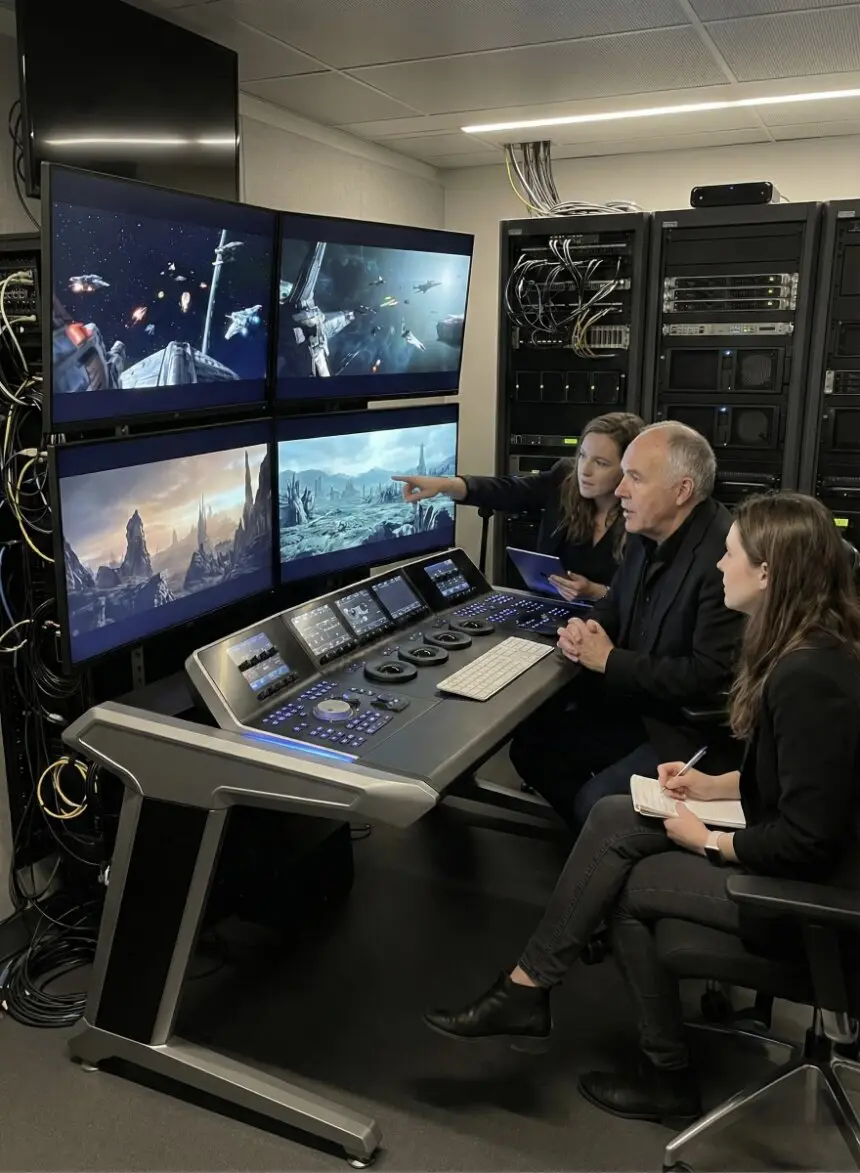
Why I Love Editing Films!
As a director and cinematographer, I'm a big fan of the Director's Cut. These are movies that the director gets to edit themselves after filming is wrapped up. Since celluloid isn't really used anymore, the word 'cut' has kind of lost its original meaning. What we're doing now is more editing the digital footage. Yet, we still often call the editing process a 'cut' when turning footage into a finished film. Usually, it's the editor handling this job. The final cut is often decided by the studios or producers, and directors rarely have full control unless they're also the producers.
That's why Director's Cuts exist. Production companies sometimes negotiate with directors who want to edit their films differently. After the theatrical release, directors might get a chance to reassemble the film a few years later. Often, they use scenes that were cut in the initial edit. A good example is Zack Snyder’s "Justice League." The theatre release was about 2 hours, while the Director's Cut was over 4 hours. Scenes were added back in, and I think the longer version is much better.
Editing is all about timing and continuity. There's a continuity person on set (sometimes called a script supervisor) to keep track of the details. If an actor takes off a red jacket in one scene, they shouldn't suddenly wear a blue one in the next. Paying attention to these details is crucial for editors, who might be on set to get a sense of the scenes they’ll be piecing together later. Personally, as a director, I love operating the camera myself, choosing the shots, and being involved in the editing process with the editor. Editors often work behind the scenes with little recognition, even though they're turning hundreds of film scenes into masterpieces.